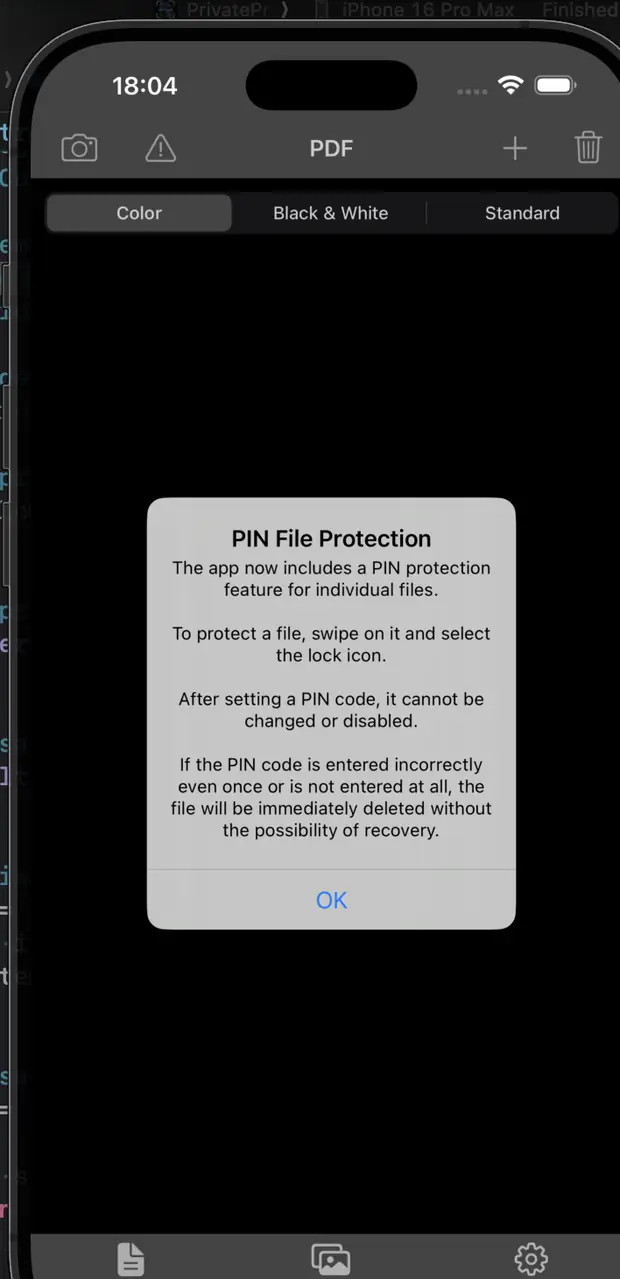
Document Scanner
Scan multiple pages into one PDF. Choose Color, Black & White, or Standard mode.
AES-256 · Local storage · Face ID / Touch ID · PIN protection
Scan documents, create PDFs, and keep important files and personal photos in protected local storage on your iPhone.
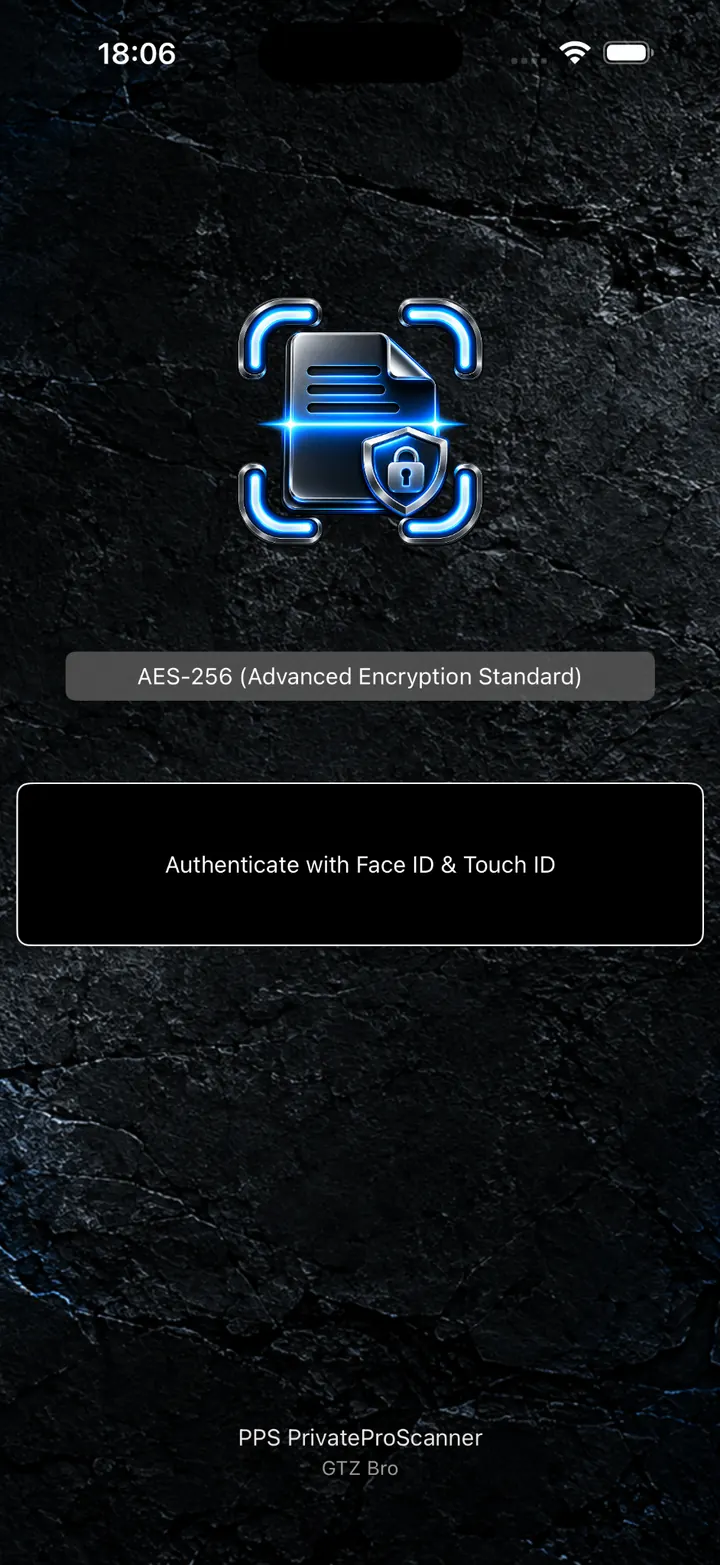
A basic scanner stops after creating a PDF. PrivateProScanner goes further — helping you store, protect, and use your documents after scanning.
Scan multiple pages into one PDF. Choose Color, Black & White, or Standard mode.
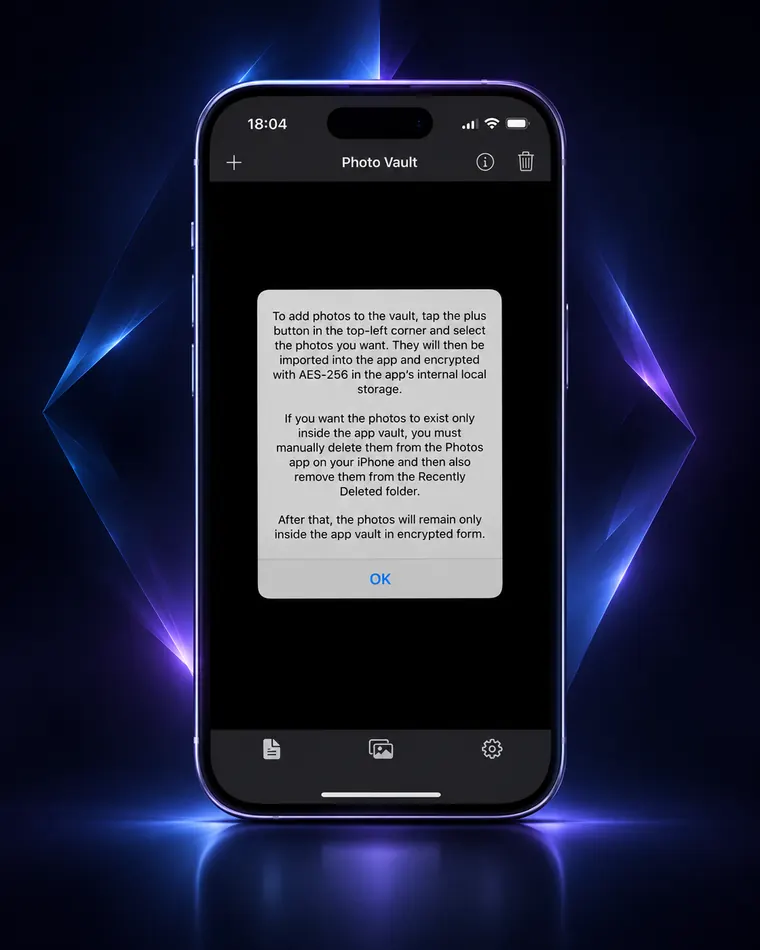
Keep selected private photos inside an encrypted local vault within the app.
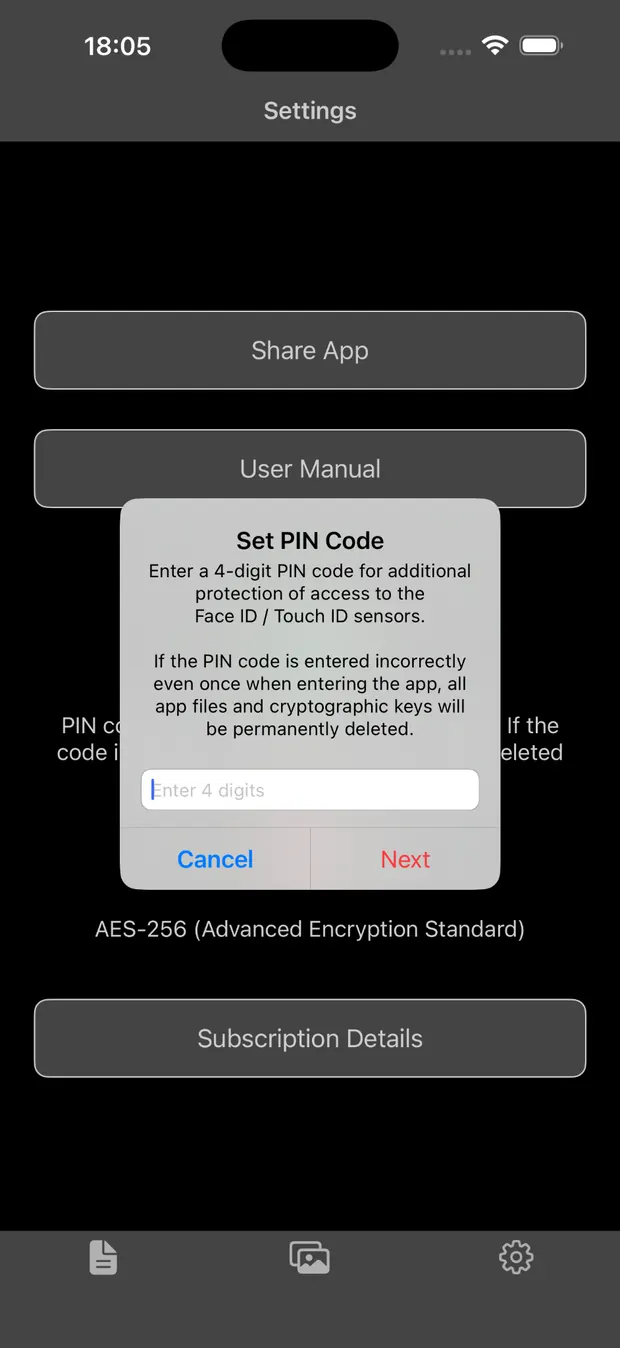
Face ID / Touch ID, optional PIN before biometrics, and PIN protection for individual documents.
PrivateProScanner does not require your personal archive to be uploaded to a developer-operated cloud service. All documents and photos are stored locally inside the app.
You do not need to understand cryptography. PrivateProScanner handles encryption and decryption automatically.
What is AES-256?For stronger access control, you can add a four-digit PIN before system authentication. The PIN is entered twice to reduce the chance of an accidental typo triggering an unwanted action. If the same incorrect PIN is confirmed twice, the app activates emergency protection and deletes local documents, photos, and cryptographic keys used by the app.
Scan documents, store important files, and protect private photos in one app.